
Sign PDFs, yourself or by request
You can sign a PDF yourself with a drawn, typed or uploaded signature, or ask someone else to sign without them installing anything.
Part of the Pro plan.
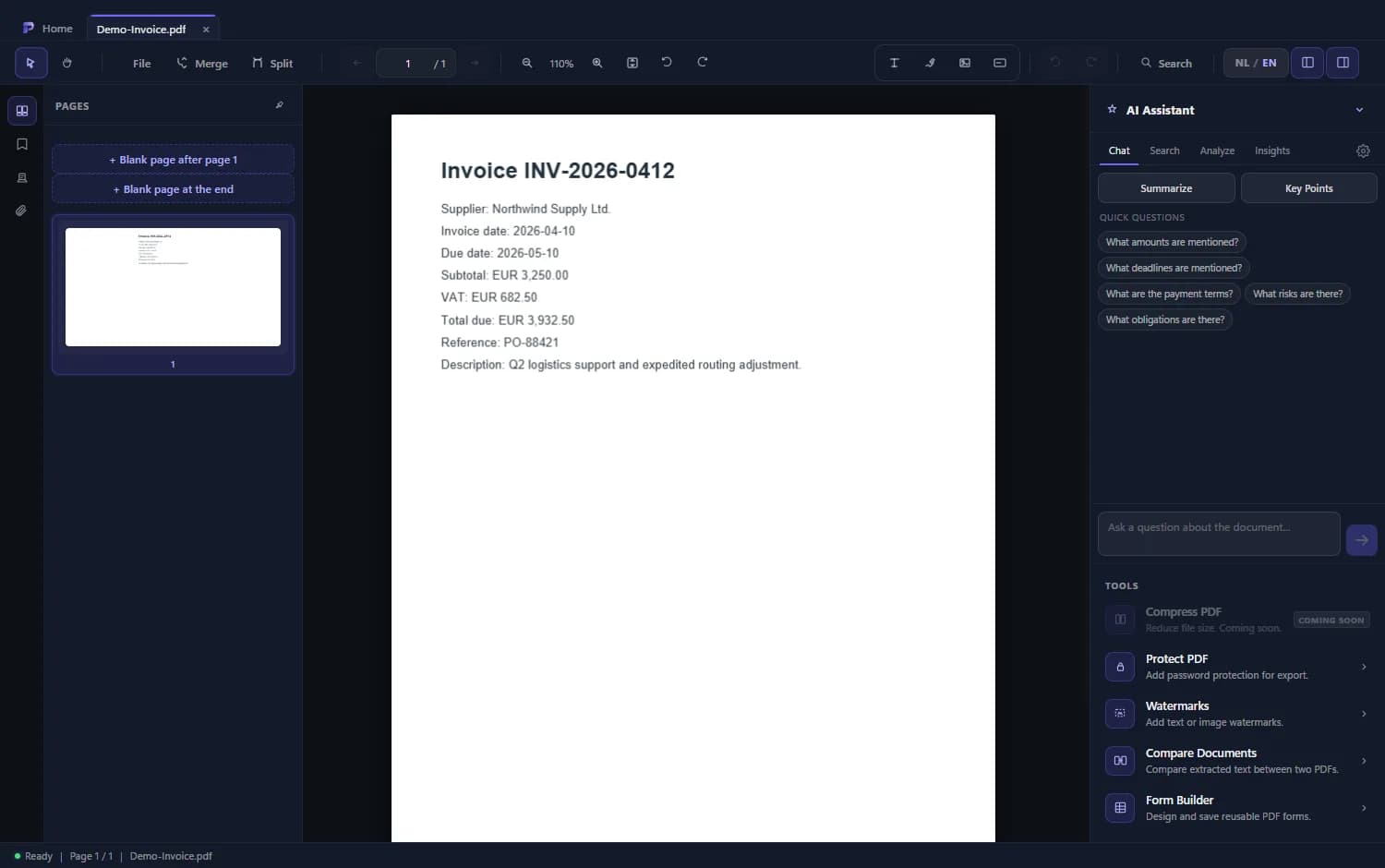
How to get a PDF signed
- 1
Place your own signature
Pick the signature tool and draw, type or upload your signature. Place it where it belongs.
- 2
Send a signature request
For someone else's signature you create a request: you name the signer and choose where the signature goes.
- 3
The signer signs
They open a secure link in the browser, confirm with a code sent by email and place the signature.
- 4
Download the result
You follow the status of your requests in the dashboard and download the signed document.
Good to know
The signer installs nothing
Signing happens through a link in the browser, without an account or app.
Reminders
Choose whether the signer gets a reminder while the document is still unsigned.
An overview of your requests
See for each request whether it was opened, signed or declined.
Frequently asked questions
Does the signer need an account or the app?
No. Signing happens through a secure link in the browser.
Is the signature legally valid?
An ordinary electronic signature can be valid for many agreements, but it depends on the document. This is not legal advice; check when in doubt.
Can I sign myself without a request?
Yes. You place your own signature directly in the PDF and export the file.