
A free PDF reader for Windows
Atlas PDF Reader opens your PDFs quickly in a calm workspace, with an English or Dutch interface. The free plan covers everyday reading.
Available in the free plan.
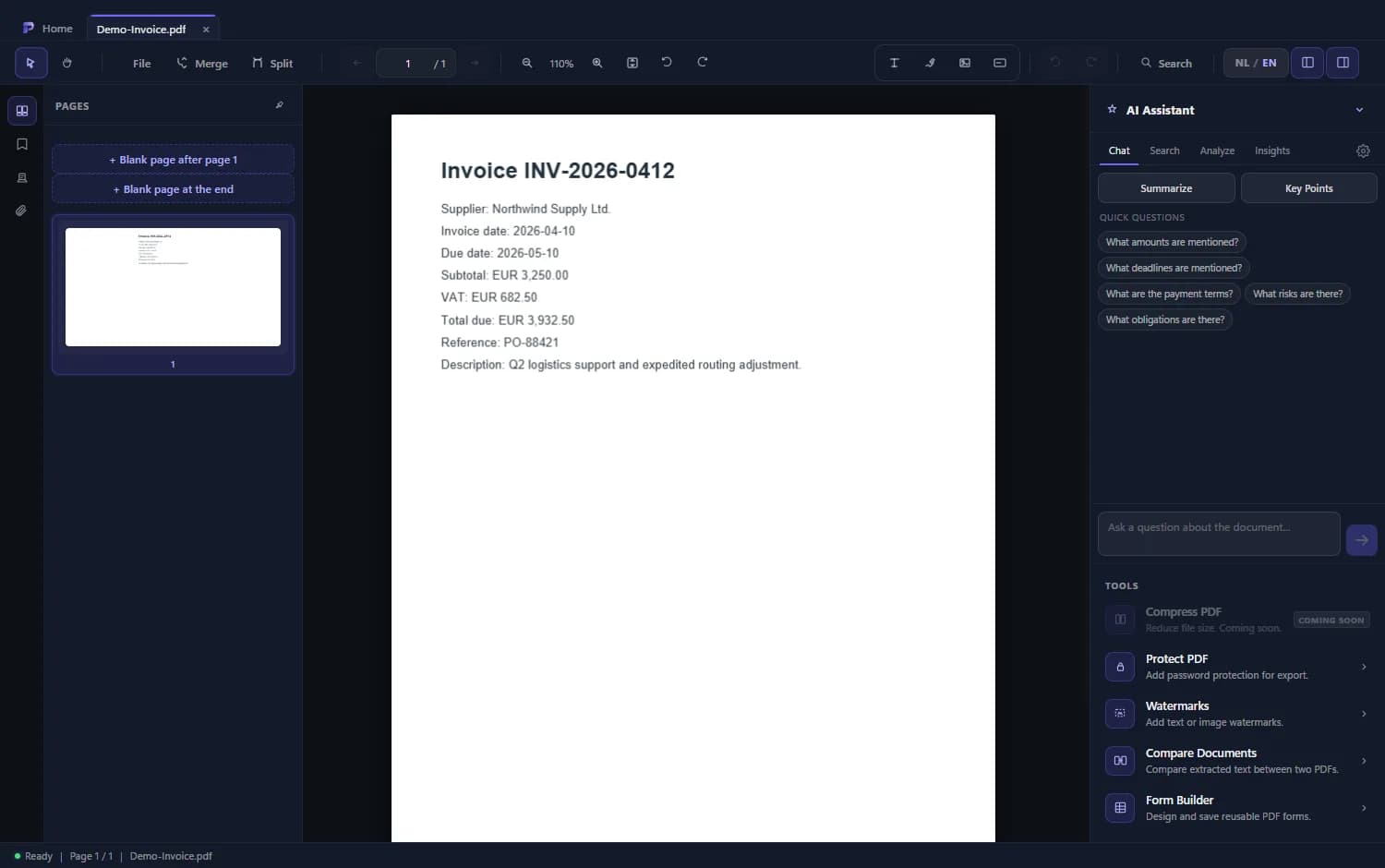
How to get started
- 1
Download the installer
Get the signed Windows installer from the download page.
- 2
Install
Follow the installation steps. Windows may show a SmartScreen notice for an app that few people have downloaded, even when it is signed.
- 3
Open a PDF
Open a file, or set Atlas as the default app for PDF files in Windows.
- 4
Upgrade when you need more
For OCR, merge and split, signature requests and AI choose a paid plan.
What you get for free
Read and search
Open documents, search in them and browse the pages.
Fill in forms
Fill in and save existing PDF forms.
Basic annotations
Highlight and add comments.
On your own computer
PDFs are opened and processed locally. You do not need an account to read and search.
Frequently asked questions
Is Atlas PDF Reader really free?
The Free plan is free. Advanced tools belong to the paid plans.
Why does Windows SmartScreen show a warning?
New or rarely downloaded apps can be flagged as unknown for a while, even when signed. Reputation builds as more people use the app.