
Create fillable PDF forms
A sign-up form, a proxy or a checklist: build it once with the Form Builder and reuse it as a template. Existing forms you simply fill in.
Available in the free plan.
How to create a form
- 1
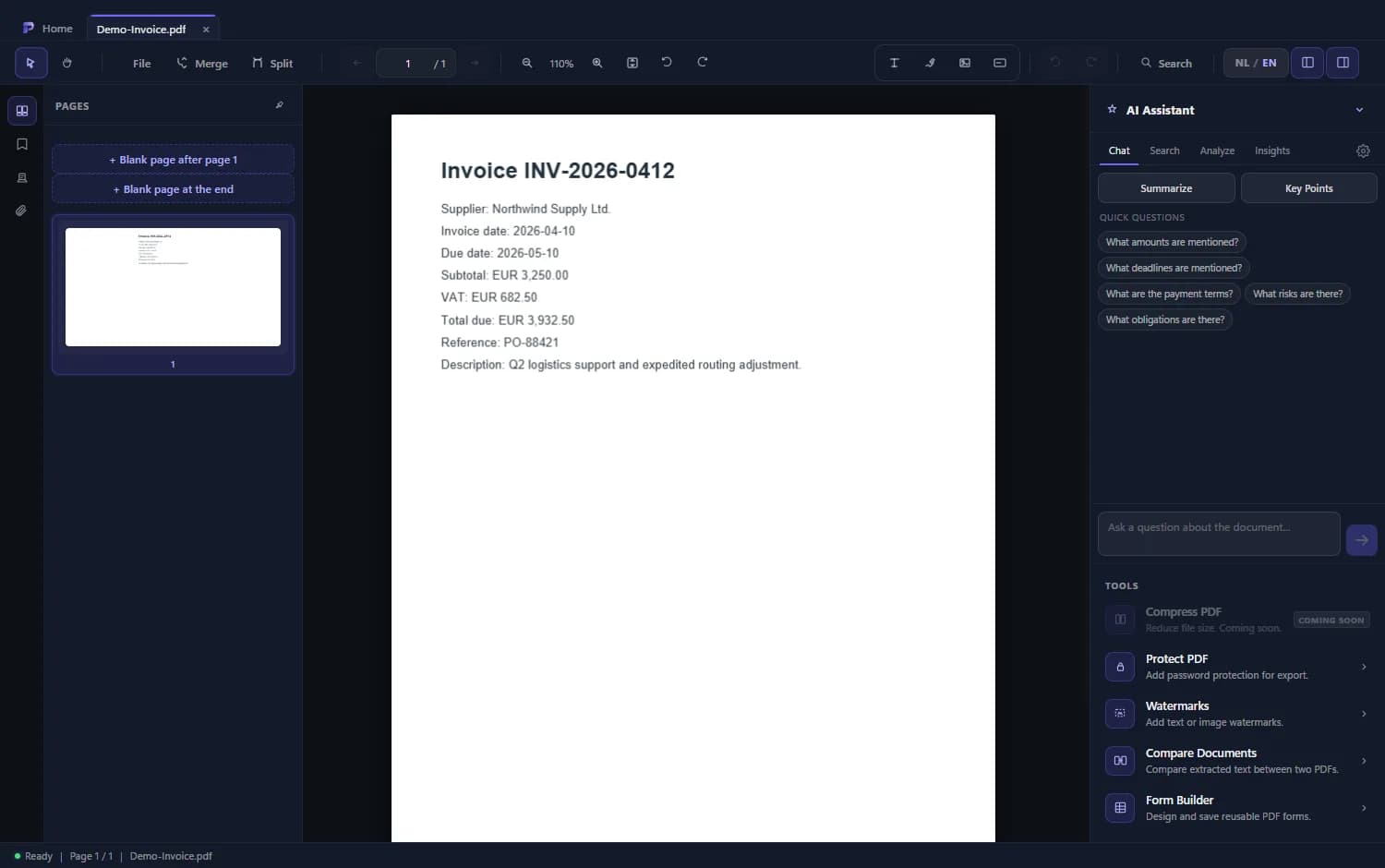
Open the Form Builder
You find it under Tools in the right-hand panel.
- 2
Choose the field types
Text, number, email, date, checkbox, radio, dropdown and signature.
- 3
Place the fields
Pick a field type and click on the page. Then move and resize the field.
- 4
Save and export
Save your layout as a template and export the PDF with real fillable fields.
Good to know
Fill in existing forms
A PDF with form fields you fill in and save, also in the free plan.
Real form fields
The fields are saved as standard PDF form fields, so other readers that support forms can fill them in.
Templates
A form you need more than once, you save as a template.
Frequently asked questions
Can I fill in an existing PDF form?
Yes. Filling in forms is part of the free plan.
Can I add a signature field?
Yes. Signature is one of the field types.